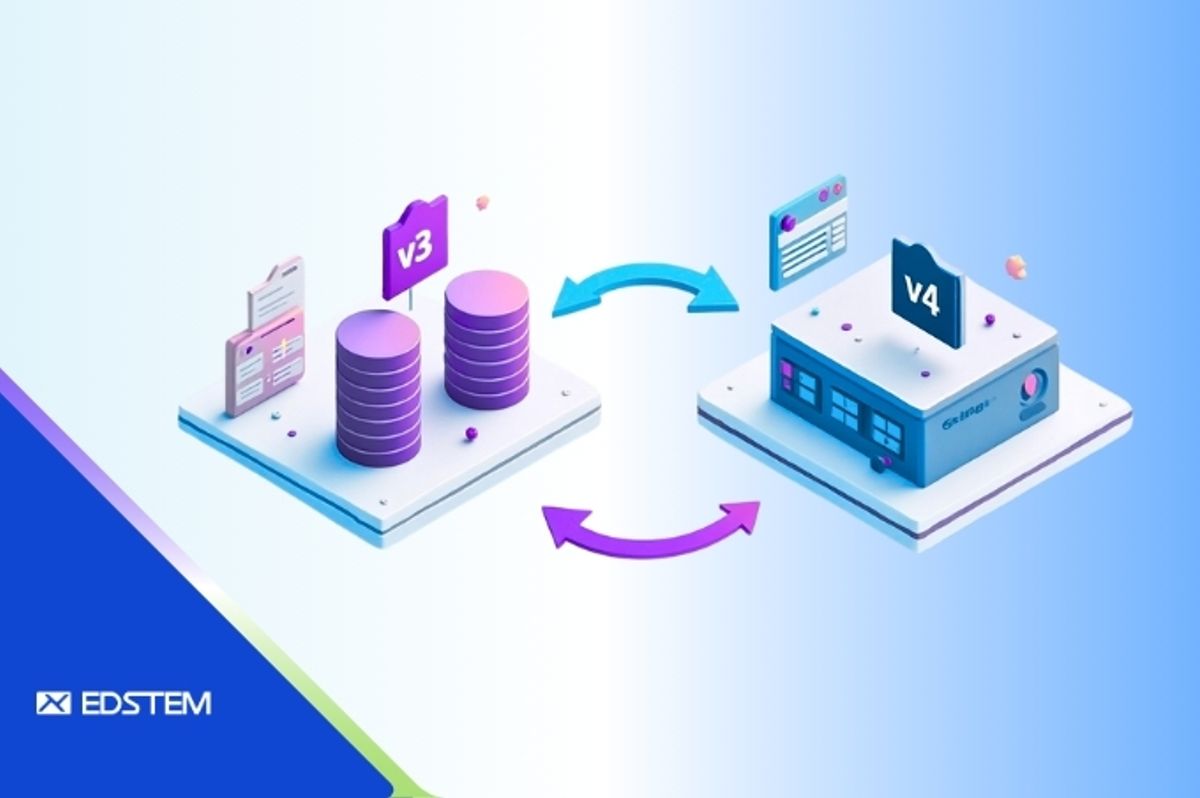
Migrating data between major versions of a CMS can be a daunting task—especially when schema changes, foreign key constraints, and legacy content structures come into play. In this comprehensive guide, we'll walk through a real-world Strapi v3 to v4 data migration project, detailing the process, common pitfalls, and proven solutions.
If you're considering a Strapi migration or currently battling foreign key errors and missing data relationships, this post will serve as both a technical guide and a sanity check for your migration journey.
Why Migrate from Strapi v3 to v4?
Strapi v4 introduces significant improvements over v3 that make the migration effort worthwhile:
- New plugin architecture that's more flexible and maintainable
- Better relational data handling with improved query capabilities
- Improved admin panel UX for content editors and administrators
- API improvements with enhanced performance and developer experience
However, these improvements also mean that a simple data export/import isn't sufficient. You need to carefully map v3 content types and data relationships to their v4 equivalents, ensuring data integrity throughout the process.
Step 1: Environment Setup
We started by creating a clean PostgreSQL 16 environment using Docker to isolate the migration process:
bashdocker run -d \
  --name strapi-db \
  --network strapi-net \
  -e POSTGRES_USER=postgres \
  -e POSTGRES_PASSWORD=postgres \
  postgres:16
Then we created two separate databases—one for v3 data and one for v4:
bashdocker exec -u postgres strapi-db psql -c "CREATE DATABASE v3_local;"
docker exec -u postgres strapi-db psql -c "CREATE DATABASE v4_local;"
This separation ensures a clean migration path and allows for easy rollback if needed.
Step 2: Restoring v3 and v4 Data
We restored the production v3 dump and the staging v4 schema into their respective databases:
bash# Copy backups into the container
docker cp prod-v3.backup strapi-db:/data/prod-v3.backup
docker cp staging-v4.backup strapi-db:/data/staging-v4.backup

# Restore v3 data
docker exec -i strapi-db pg_restore --dbname=v3_local --no-owner --verbose /data/prod-v3.backup

# Restore v4 schema
docker exec -i strapi-db pg_restore --dbname=v4_local --no-owner --verbose /data/staging-v4.backup
Pro tip: Always restore the v4 schema first before attempting to migrate data. This ensures all target tables and relationships exist.
Step 3: Running the Migration Scripts
We used Strapi's official migration scripts available at their GitHub repository:
https://github.com/strapi/migration-scripts/tree/main/v3-sql-v4-sql
bashcd migration-scripts/v3-sql-v4-sql

# Configure .env file
DATABASE_CLIENT=pg
DATABASE_V3_HOST=strapi-db
DATABASE_V3_DATABASE=v3_local
DATABASE_V4_HOST=strapi-db
DATABASE_V4_DATABASE=v4_local

# Execute the migration
npm install
node index.js
The scripts successfully migrated:
- Core store settings and configurations
- Users, roles, and permissions
- Content types and their entries
- Media files and relationships
Important considerations:
- The script runs in batches to prevent memory overload on large datasets
- Migration logs should be monitored to confirm successful record transfers
- Expect hundreds or thousands of records to be processed across multiple tables
Step 4: Resolving Common Issues
Missing Core Store View
Error encountered:
textrelation "public.core_store" does not exist
Solution: Create a view that maps to the new v4 core store table structure:
sqlCREATE OR REPLACE VIEW public.core_store AS
SELECT key, value FROM public.strapi_core_store_settings;
Foreign Key Violations on Restore
When restoring to the target RDS database, we encountered errors like:
textERROR: insert or update on table "xyz" violates foreign key constraint
Root cause: Missing admin users referenced by created_by_id or updated_by_id fields in content tables.
Solution: Create placeholder admin users before restoring data:
sqlINSERT INTO public.admin_users
(id, firstname, lastname, email, username, password, is_active, blocked)
VALUES
(1, 'Admin', 'User', 'admin@example.com', 'admin', '$2a$10$FAKEHASH', true, false)
ON CONFLICT DO NOTHING;

INSERT INTO public.admin_users
(id, firstname, lastname, email, username, password, is_active, blocked)
VALUES
(18, 'Admin', 'User', 'admin@example.com', 'admin', '$2a$10$FAKEHASH', true, false)
ON CONFLICT DO NOTHING;
Data-Only Restore with Disabled Triggers
To avoid foreign key enforcement during data restore, use the following approach:
bashpg_restore \
  --data-only \
  --disable-triggers \
  --dbname=target_db \
  --username=user \
  --host=rds-host \
  backup-file.dump
This temporarily disables constraint checking during the restore process, preventing premature foreign key violations.
Step 5: Final Testing and Validation
After restoring the data, perform these critical validation steps:
- Compare row counts for all critical tables between source and target
- Run spot checks for key content types to verify data integrity
- Launch Strapi v4 locally and confirm content visibility in the admin panel
- Test API endpoints to ensure proper data retrieval
- Verify relationships between related content types
Once validation is complete, create a fresh dump from the fully migrated v4 database for production deployment.
Key Takeaways
Based on our real-world migration experience, here are the critical lessons learned:
- Always restore schema before data to ensure all target structures exist
- Create placeholder foreign key records before data import to prevent constraint violations
- Separate schema and data restores for better control and troubleshooting
- Review all foreign key relationships before finalizing the production dump
- Maintain detailed logs throughout the migration process for audit and rollback purposes
- Test thoroughly in a staging environment before touching production
Conclusion
Migrating from Strapi v3 to v4 is not a simple export/import task. It requires careful planning, deep knowledge of both schema versions, and readiness to handle foreign key and relational data challenges.
By following a structured approach—clean environment setup, verified restores, targeted migrations, and preemptive FK fixes—you can achieve a smooth transition with minimal downtime and data loss.
The investment in proper planning and execution pays dividends in the form of a more robust, performant CMS platform that will serve your content needs for years to come.
Happy migrating!