How a Company Moved Its Product Development Lifecycle Off Excel and Into a Governed Digital Application in Two Months
Building a custom PowerApps application with a Python Azure Function for cases where low-code alone is not enough
How a Company Moved Its Product Development Lifecycle Off Excel and Into a Governed Digital Application in Two Months
Building a custom PowerApps application with a Python Azure Function for cases where low-code alone is not enough
Published: October 14, 2023 · Last updated: May 22, 2026
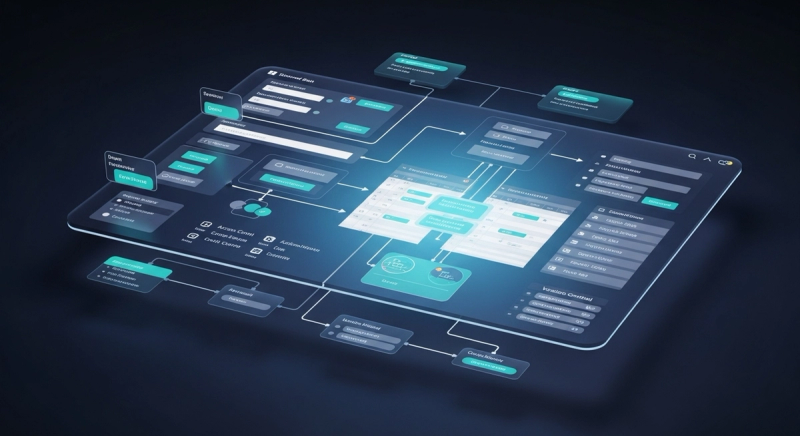
Outcomes at a Glance
POC completed ahead of schedule
Delivered in just over two months against a three-month plan
Excel-based lifecycle tracking replaced
Structured relational data model with access controls now in place
Workflow governance implemented
Role-based lifecycle state control not possible in the Excel system
Low-code extended with custom serverless API
Python Azure Function handles version management logic beyond PowerApps' built-in scope
About the Client
The Situation
The client was managing its product development lifecycle through shared Excel files. Tracking product data, recording changes, and coordinating across teams all happened through spreadsheets that had no built-in version control, no access restrictions, and no way to enforce who could approve what at each stage of the process.
The client approached Edstem to build a proof of concept: a low-code application that could replace the Excel setup, deliver proper workflow governance, and be ready to demo within three months.
The Impact
Shared Excel files create a specific category of operational problems that compound quietly over time. Without version control, different team members work from different versions of the same data without knowing it. Without access controls, anyone can edit anything, which means workflow states like "approved" or "published" carry no real enforcement. Without a structured data model, reporting across the product lifecycle requires manual compilation.
For a team managing a product development lifecycle, these gaps meant time spent reconciling data that should never have diverged, and no reliable way to track where any given product stood in its approval process at a given moment.
The Resolution
Edstem started with the data. The existing Excel structure was redesigned into a proper relational schema: multiple tables with primary and foreign keys, built to represent the relationships in the data clearly and to support automated import from the existing Excel files.
Access control was defined at two levels. The first controlled read and write permissions to each table. The second controlled lifecycle transitions: only designated users could promote a product from Draft to Published status, enforcing the approval process that the Excel system could not.
The application interface was built using Microsoft PowerApps, using the platform's low-code tools to build screens and connect them to the underlying tables. Page transitions and UI logic were handled through PowerApps' formula support. Row-level versioning was built in, so every edit to product data was tracked.
Where PowerApps' built-in capabilities fell short, specifically the version management logic that governed how edits were recorded and sequenced, Edstem built a Python-based serverless API using Azure Functions, exposed through Azure API Management and integrated directly into the PowerApps interface. This is the point in a low-code project where the right call is to write code rather than force complex logic into a platform not designed for it.
The POC was completed and demoed in just over two months, ahead of the three-month plan.
Replacing a manual Excel-based workflow or looking to extend a low-code platform?
Edstem has experience building practical low-code applications and knowing when custom code is the right addition.
MORE CASE STUDIES